
Parlor — for tattoo artists
2026
The booking system built for tattoo artists.
No more chasing deposits, forgotten reminders, or double-bookings. A clean inbox, a full schedule, and time to focus on the art.
Free for artists·No credit card·Setup in 5 minutes

Sound familiar?
Running your bookings shouldn't feel like this.
The old way
With Parlor
"What size? What placement?" — the same questions on repeat, for every single client, before you even know if the project is right for you.
Clients fill in style, size, placement, and references upfront. You open a request and already know if you want it — no back-and-forth tax.
Client requests scattered across Instagram DMs, texts, and emails — easy to miss, impossible to track.
Every request lands in one inbox, complete with everything you need to say yes or no. Nothing slips through.
Chasing deposits over Swish, then trying to remember who's actually confirmed and who's just said they will.
You send a deposit request inside the booking. The moment it's paid, the session is confirmed — no chasing, no guessing.
A mental calendar — or three different apps — just to know what next week looks like.
Every confirmed session syncs straight to Google Calendar the second it's booked. Your week is always accurate.
"When was my appointment again?" — clients texting you the day before because they lost the details.
Each client has their own booking page with the date, deposit status, prep notes, and everything you agreed on. You stop being their reminder service.
Interactive demo
Try it before you decide.
Explore the full artist dashboard — calendar, bookings, flash catalog, booking links — with real sample data. No account, no credit card, no install.
Works on mobile, but a tablet or laptop gives you the full picture.
How it works
Every booking, from first message to final payment.
No app for clients, no new habits for you. Just one place to manage every session.

Sara Lindstrom
Tattoo artist · Stockholm
Blackwork • Fine line • Custom
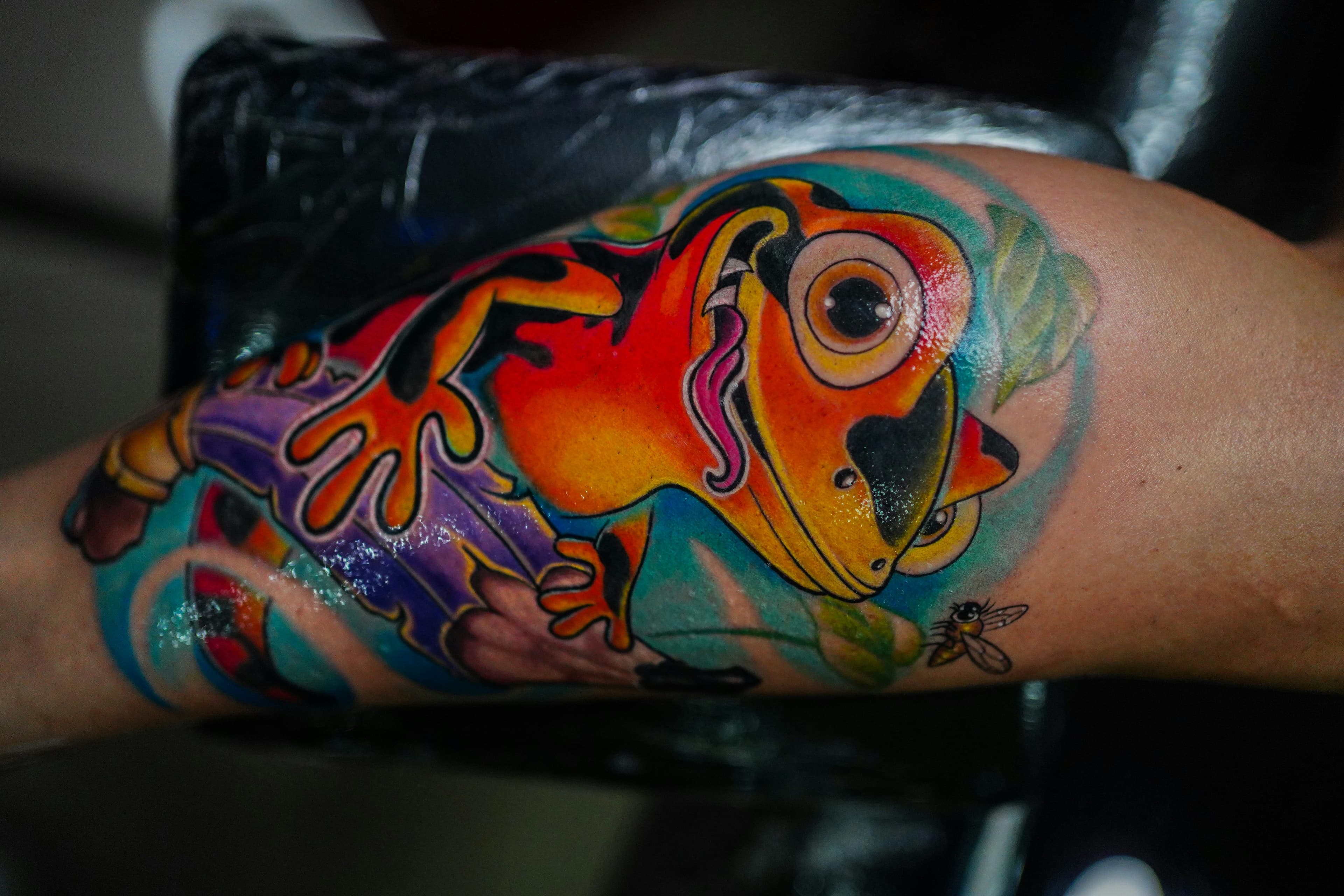
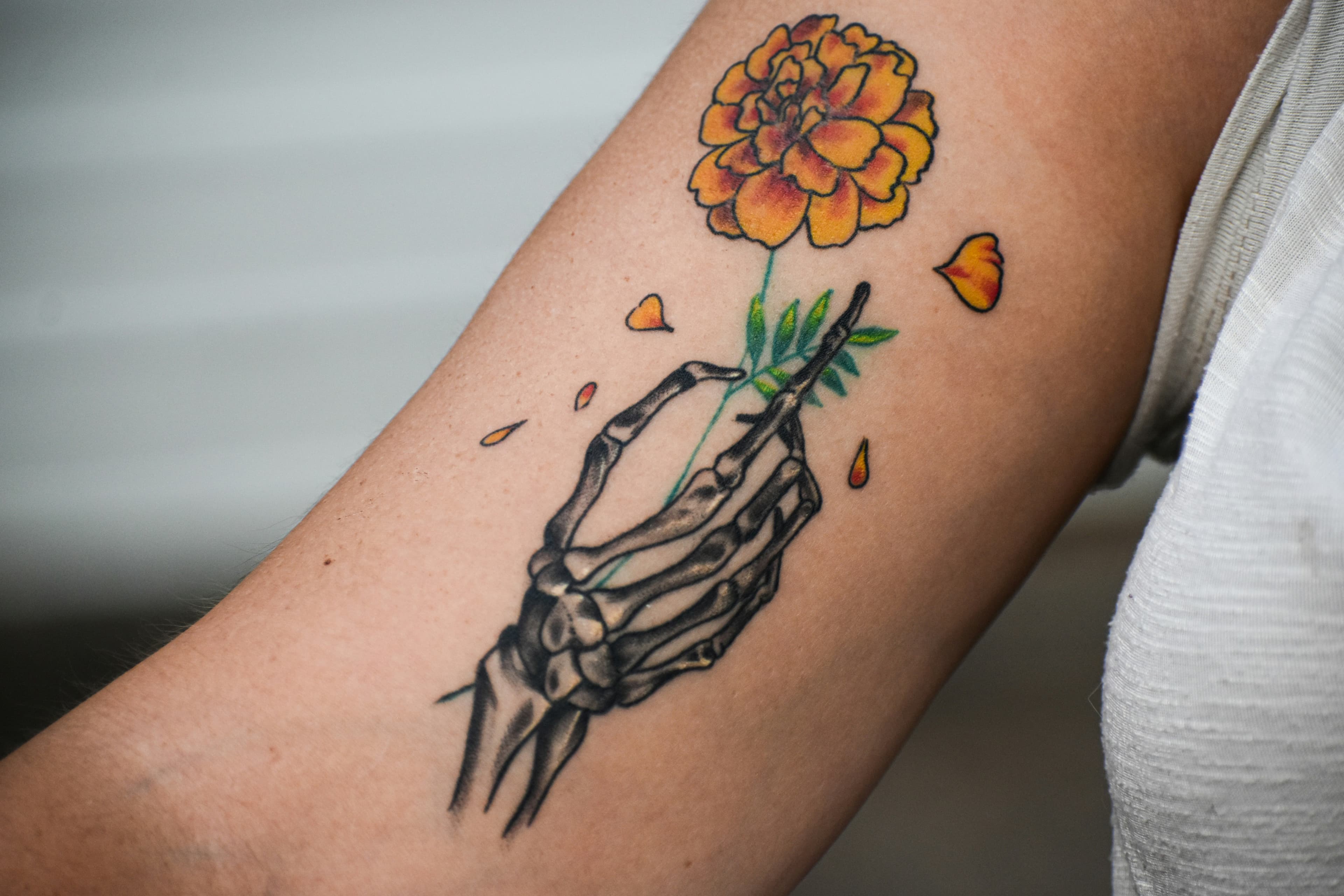
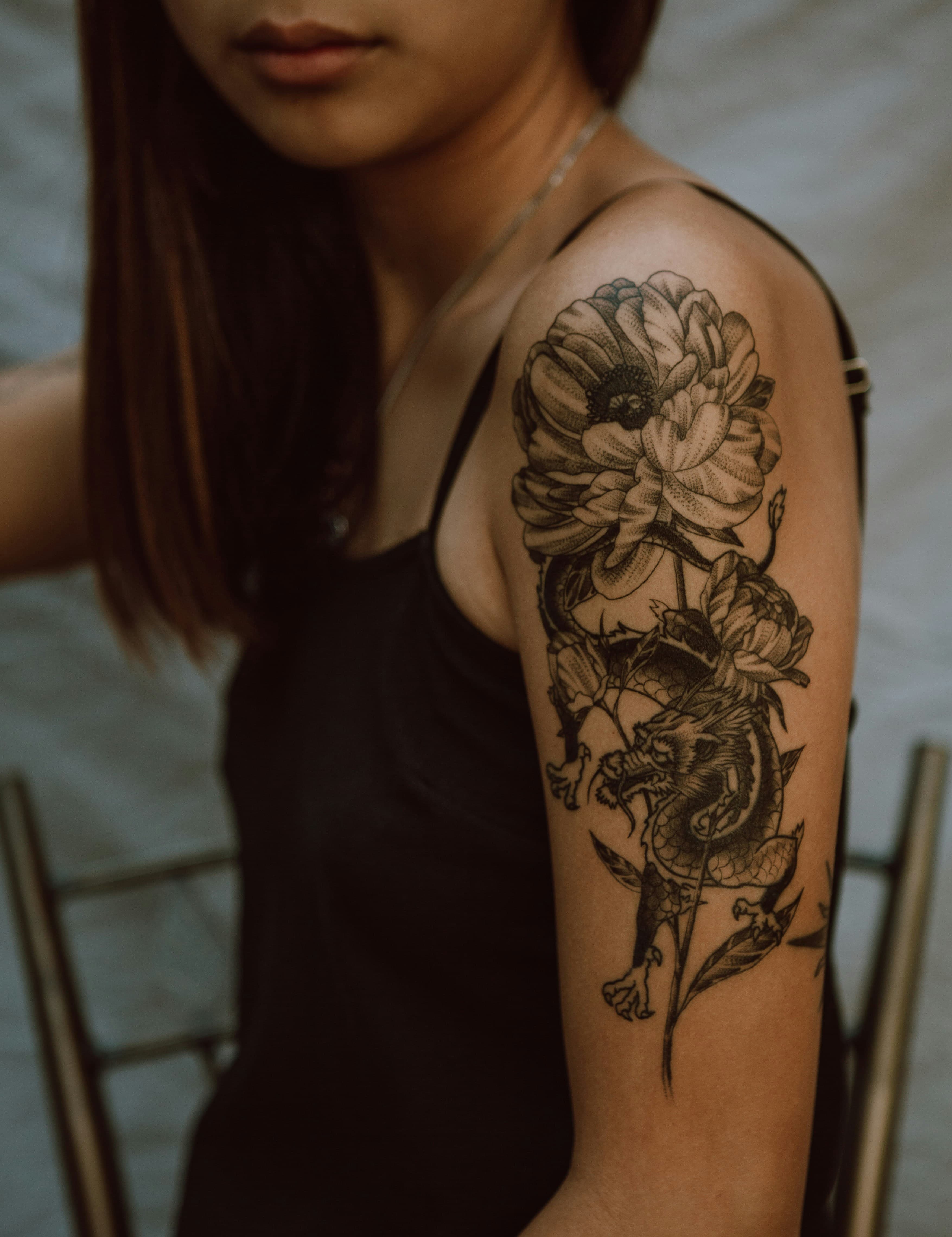

Get bookings into Parlor
Share your booking link
Your Parlor profile comes with a booking link you can put anywhere — your Instagram bio, your website, a DM. Clients who follow it can browse your available flash, submit a custom request, or pick from the time slots you've set up. Everything arrives organised, in one place, before you've sent a single reply.
Or add bookings yourself
Take bookings the way you always have — DMs, email, in person. Then log them in Parlor manually and manage everything from there. All the same tools apply: sessions, pricing, payment tracking, client messaging.
Booking requests
3 pending review
Emma Johansson
NewBotanical sleeve, upper arm · Full colour
Mikael Strand
AcceptedSmall rose, inner wrist · Fine line
Anna Persson
PendingScript lettering, collarbone
Nothing falls through the cracks
Review, price, and confirm
Review every request
All incoming bookings — whether submitted through your link or added by you — land in one inbox, organised and ready to act on. Accept, decline, or follow up. Nothing falls through the cracks.
Set your price and pick a date
Your price, your date, your terms. Set the session price and request a deposit, or let the client choose from your available slots. They get notified the moment you confirm — and their slot isn't locked until the deposit is paid.
Emma Johansson
Sleeve · Fri 24 Apr · 13:00
Could you do something like this? Love the negative space.
10:42


Yes, suits your arm perfectly. Here's my sketch — what do you think?
11:15
This is perfect, I love it! 🙌 Let's go with this.
11:22
Great — see you Friday then. I'll have the stencil ready.
11:24
No more digging through DMs
Whether the booking came through your link or you created it yourself, every conversation can happen inside the booking — not buried in DMs with no thread to follow. Share reference art, discuss the design, and keep everything tied to the session it belongs to.
Deposit received
500 SEK · Emma J. · slot confirmed
Automatic reminders sent
8:00 AMSession tomorrow · Emma Johansson · 13:00
Don't forget your appointment tomorrow at 13:00
Session complete
Paid ✓Get paid
Deposit paid, slot confirmed
Once you set a price, the client pays a deposit via Swish to confirm their slot. No deposit, no confirmed booking. Your time is protected before the session even starts.
Reminders, sorted
Parlor sends automatic reminders to you and the client before the session. Optional, but most artists leave them on.
Final payment, done
After the session, send a payment request. The client pays via Swish — you confirm, and it's logged in Parlor. No spreadsheet needed.
Features
Everything you need to run your bookings.
Booking Management
Receive and manage booking requests from clients, or create bookings manually for anyone who reaches you through DMs, email, or in person. Accept, decline, or follow up — all from one inbox.
No more requests slipping through DMs or getting lost in your inbox.
Flash Portfolio
Upload and manage your flash art with tags, availability, and non-repeatable settings. Bulk upload if you have a full flash book. Clients can browse and request a piece directly.
No more 'is this still available?' messages at midnight.
Sessions & Calendar
Each booking can hold one or more sessions. Schedule dates, set durations, add private notes, and view everything in a calendar. Syncs with Google Calendar if you want it to.
No more copying sessions into your calendar by hand.
Client Messaging
Every booking has its own messaging thread — text and images, tied to the booking, not scattered across your DMs.
No more digging through Instagram DMs to find a reference someone sent.
Payments
Set a deposit for each session and collect payment via Swish. Send a final payment request once the session is complete. Payment status tracked per session.
No more chasing deposits or having awkward money conversations.
Reminders & Notifications
Automatic email reminders for upcoming sessions, new booking requests, unread messages, and payment activity. Configurable — turn off anything you don't need.
No more manually following up before every session.
Your Artist Profile
A public-facing profile with your bio, location, studio address, working hours, and booking form link. Share it anywhere. Update it anytime.
No more 'where can I book you?' questions.
Let Clients Pick Their Slot
Send clients a scheduling link to self-select from the time slots you've set up. You approve before it's confirmed.
No more 'are you free on the 14th?' back-and-forth.
Booking Management
Receive and manage booking requests from clients, or create bookings manually for anyone who reaches you through DMs, email, or in person. Accept, decline, or follow up — all from one inbox.
No more requests slipping through DMs or getting lost in your inbox.
Flash Portfolio
Upload and manage your flash art with tags, availability, and non-repeatable settings. Bulk upload if you have a full flash book. Clients can browse and request a piece directly.
No more 'is this still available?' messages at midnight.
Sessions & Calendar
Each booking can hold one or more sessions. Schedule dates, set durations, add private notes, and view everything in a calendar. Syncs with Google Calendar if you want it to.
No more copying sessions into your calendar by hand.
Client Messaging
Every booking has its own messaging thread — text and images, tied to the booking, not scattered across your DMs.
No more digging through Instagram DMs to find a reference someone sent.
Payments
Set a deposit for each session and collect payment via Swish. Send a final payment request once the session is complete. Payment status tracked per session.
No more chasing deposits or having awkward money conversations.
Reminders & Notifications
Automatic email reminders for upcoming sessions, new booking requests, unread messages, and payment activity. Configurable — turn off anything you don't need.
No more manually following up before every session.
Your Artist Profile
A public-facing profile with your bio, location, studio address, working hours, and booking form link. Share it anywhere. Update it anytime.
No more 'where can I book you?' questions.
Let Clients Pick Their Slot
Send clients a scheduling link to self-select from the time slots you've set up. You approve before it's confirmed.
No more 'are you free on the 14th?' back-and-forth.
Why Parlor exists
Built with artists. Not just for them.
We started talking to tattoo artists in Stockholm in 2025. What we kept hearing wasn't a wish-list of features — it was frustration with the basics. Requests getting lost in DMs. Clients who needed chasing for a deposit. Schedules that lived in someone's head because nothing synced properly.
Parlor was built around those conversations. Every decision — what's in the intake form, how deposits work, when reminders go out — came from sitting with artists and watching how they actually work, not guessing.
We're still early. But every artist who uses Parlor is part of shaping it — and we're not adding complexity for its own sake. The goal is a tool that gets out of your way so you can focus on the art.
Parlor.ink — Stockholm, 2025

Pricing
Free for artists. Always.
for artists.
Parlor is completely free while we're in early access. No subscription, no setup fee, no hidden costs.
When we do introduce pricing, it will be a small fee added on top of what your client pays — not taken from your earnings. You set your price, your client pays that plus a modest platform fee. Your income stays untouched.
We'll give plenty of notice before anything changes.
All features available from day one. No upgrade required.
FAQ
Common questions. Straight answers.
Everything you need to know about Parlor
Have more questions?
Get started
Less admin. More art.
Parlor is built for tattoo artists who'd rather spend their time creating. Get set up in minutes and use Parlor however works for you.
Not ready to sign up? Explore the demo first — no account needed.